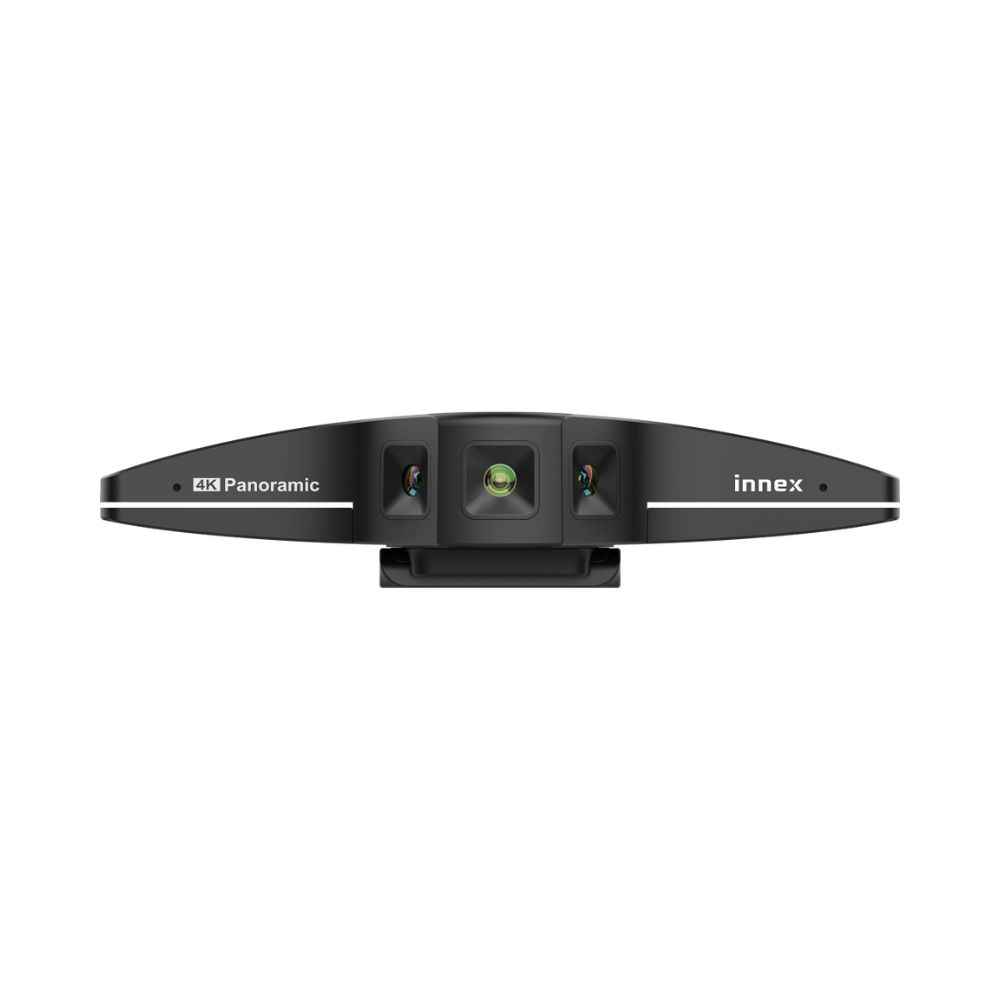


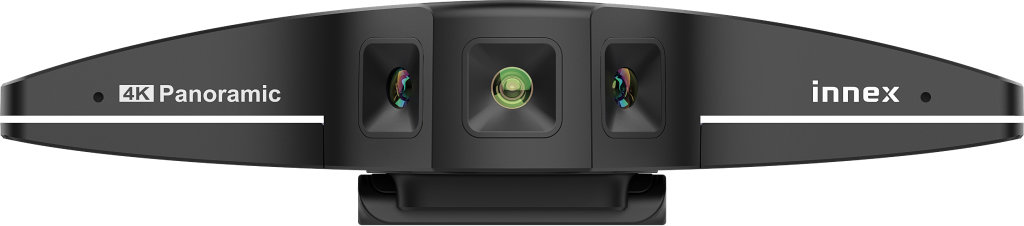
- 180° Ultra-Wide Panoramic ShootingUtilizing three 12MP lenses and advanced stitching technology to cover the entire conference space at once
- 5 preset view modesIncludes 180°, 150°, 120°, 90°, and 75°, with customizable field of view based on venue size and number of people.
- E-Pan Translation FeatureAfter selecting the viewing angle, long-press the button to pan the screen without moving the camera.
- Memory Ideal VisionPress and hold for 6-10 seconds to access the last used field of view. It will automatically restore to this setting the next time you turn it on.
- AI Face Tracking + Multi-person Smart CompositionReal-time detection and focus on multiple participants, supporting split-screen and auto-focus
- Innex Studio Six ModesIncludes overview, manual, auto framing, split, whiteboard, speaker mode; up to 8 split windows can be displayed
- Automatic Light Correction & 3D DNR Noise ReductionKeep the picture clear and stable, reduce noise
- Omnidirectional dual-microphone array + AI noise reductionPickup range up to 8 meters, providing clear audio
- Various installation methodsSupports tripod, clamp, and wall mount, with a USB-A expansion port
- Plug and play, compatible with Windows/MacComplies with UVC/UAC standards, plug and play
Elevate your meeting experience!

5 Perspectives Create Infinite Possibilities!
5 preset viewing angles for easy customization of each meeting, allowing for flexible adjustments based on different meeting spaces and numbers of participants to ensure optimal coverage.
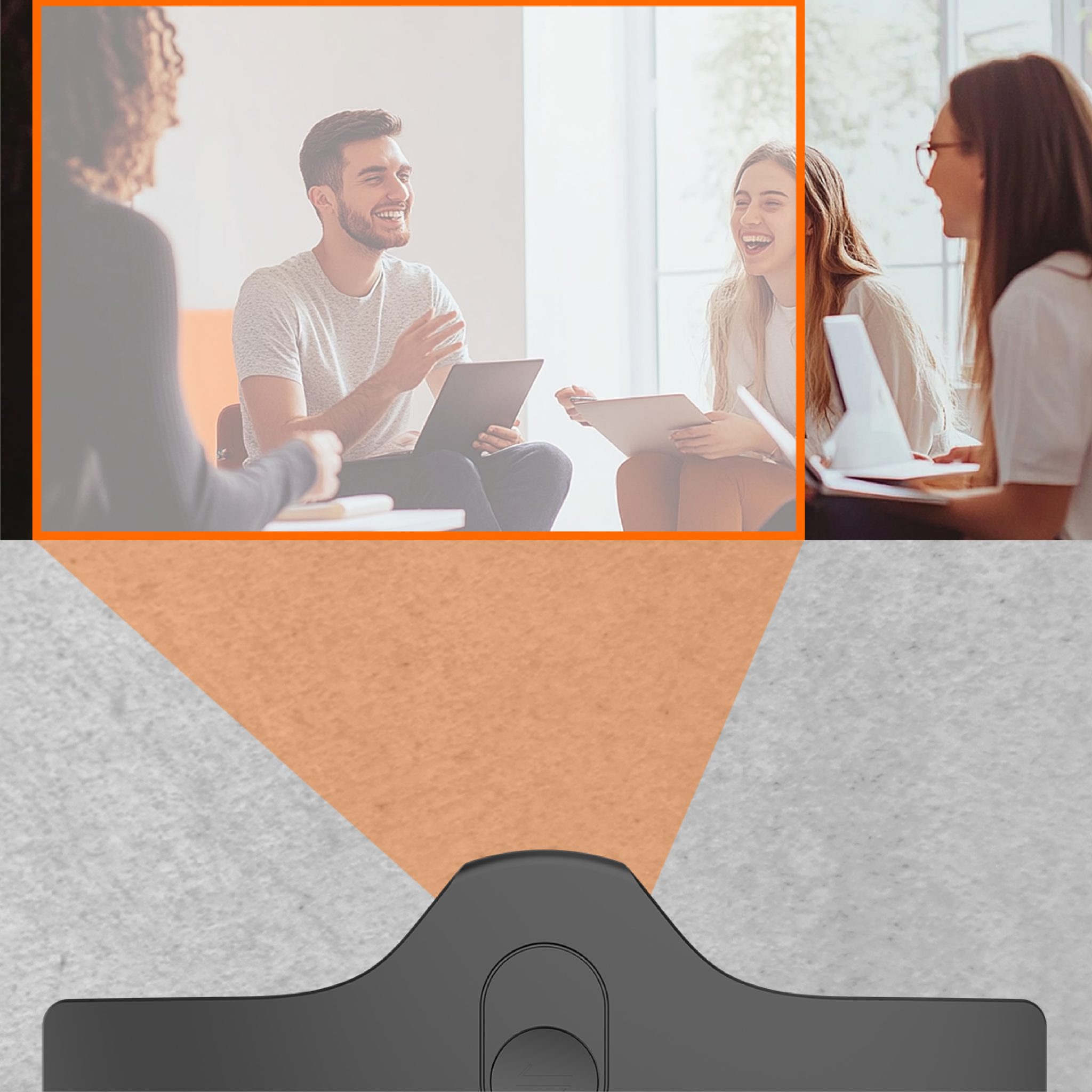
Easy pan, no need to move the camera!
After selecting the desired field of view, simply long-press the button to easily pan the view without moving the camera or tripod.

Save view with one click!
In 180° mode, press and hold the button for 6-10 seconds to activate memory mode. The Innex C831 will remember your last used field of view, allowing you to start your next meeting from the same perspective.
Plug and play!
Six Layout Modes
Overview Split Screen
Simultaneously view a 180-degree panorama and close-ups of individuals. Up to 8 split screens can be displayed. Close-ups of individuals can be automatically recognized by face detection or manually selected by dragging the desired area with a mouse.

Manual mode
You can manually adjust the size and position of the yellow selection area on the screen to set the region that remote participants can see.

Auto Framing
The auto-zoom feature centers everyone in the frame and dynamically adjusts the framing as people join or leave the meeting, ensuring the camera is always centered.

Split screen
Close-up shots can be automatically recognized by face detection, or manually created by dragging the mouse to establish the desired close-up view. Up to 8 split screens can be displayed.

Whiteboard mode
Adjust the yellow box position to cover the whiteboard or a designated area, and fix the speaker's video in the bottom right corner, continuously tracking the speaker.

Speaker
Display the panorama while pinning the speaker's image at the top to focus on their expressions and actions.

Adjust the field of view with a single tap in the app, up, center, or down, without moving the camera.

In situations with frequent personnel movement, continuous automatic tracking can cause interference. Innex Studio offers two tracking modes to adapt to various scenarios.
- Single Tracking: Suitable for environments with background interference and fixed participant seating. After clicking Single Tracking, the participant's position can be detected, and the field of view will be fixed.
- Auto Tracking: Suitable for environments with few participants or single participants and no interference. Auto Tracking detects the position of individuals in real-time, ensuring everyone stays in the center of the frame.

Through the Innex C831's USB Type-A port, you can connect any USB device, such as a USB keyboard or mouse.
 繁體中文
繁體中文  English