
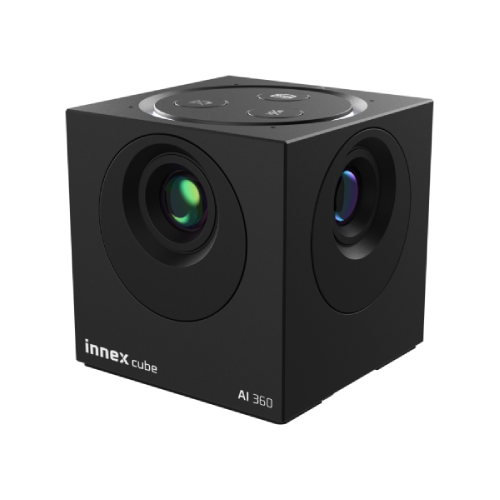


- Compact Design with Exceptional Performance: Small in size but delivers impressive performance.
- Natural Eye Contact: Maintains a face-to-face-like natural eye contact during online meetings.
- 360° Immersive Video: Provides clear, distortion-free, and seamless 360° video.
- Built-in AI Face Tracking: Smartly adjusts the camera for perfect framing and focus.
- Flexible Video Layouts: Adjust the video arrangement mode according to different meeting formats.
- Desktop-Centered Audio Pickup: Clearly captures and transmits every word you say.
- Plug-and-Play on Laptop: No additional software installation required. Simply plug it in and start.


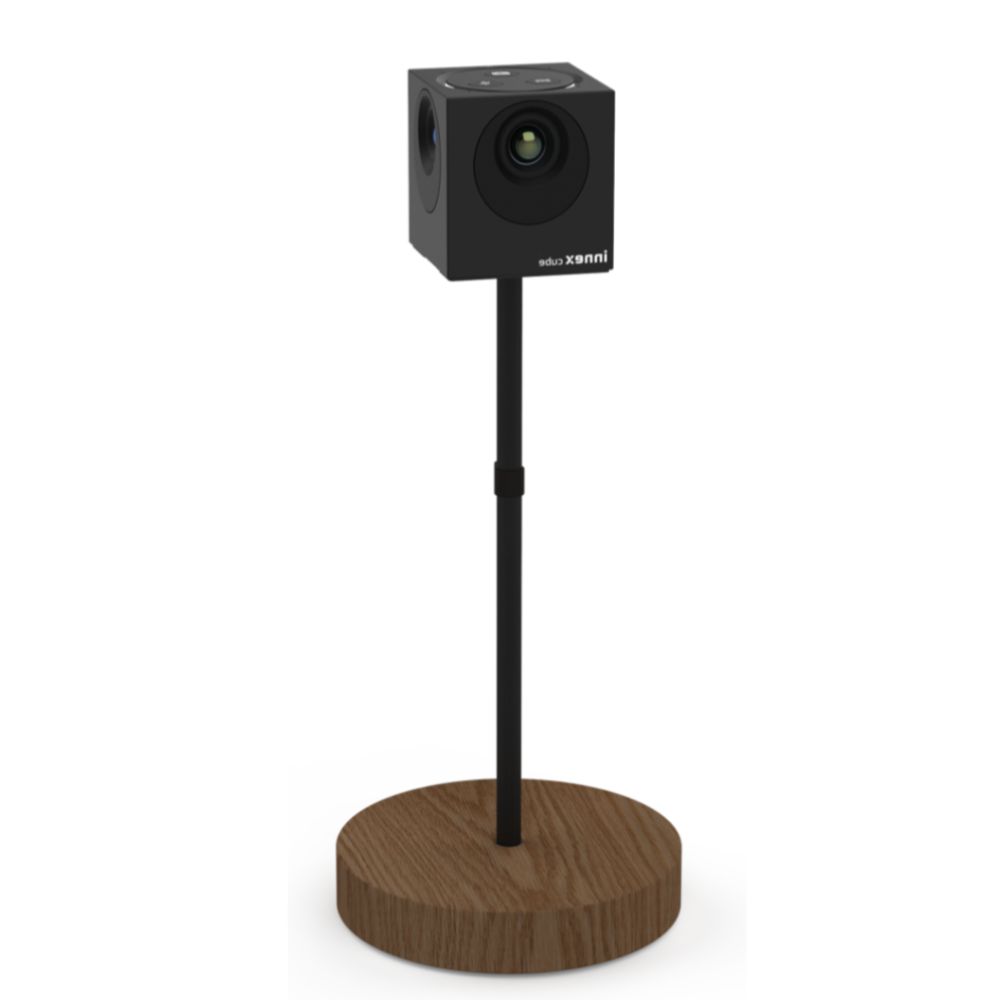
The camera should be positioned at eye level to ensure the optimal shooting angle. Combined with three assembled stands for free height adjustment, it flexibly adapts to your video conferencing space, allowing participants to maintain eye contact.
- Assembly of two brackets (30 cm): standard height tabletop.
- Three-bracket assembly (42 cm): For low table use.


omnidirectional microphoneClearly capture your voice

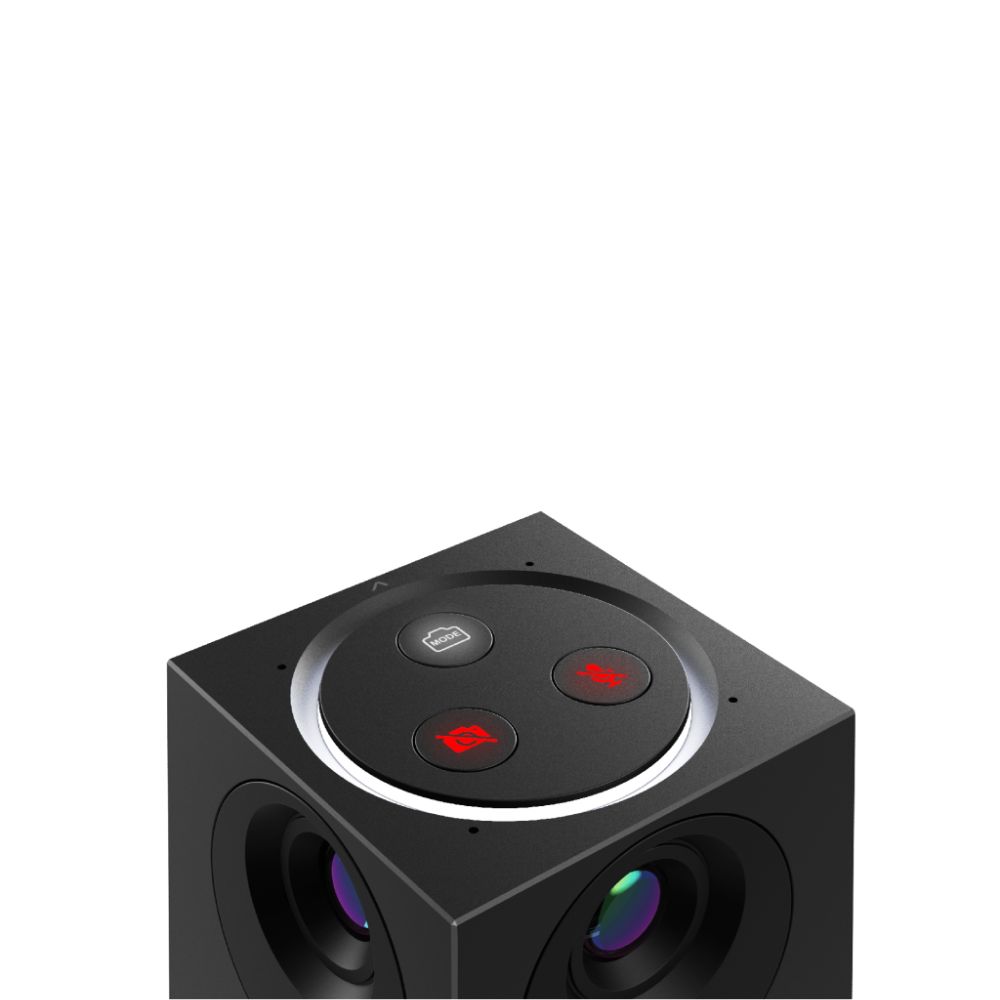
Button operation
One-touch response, right at your fingertips
The video and microphone switch control buttons on the Innex Cube allow you to react instantly.
No need to rush for the remote control, no need to search for the occasionally disappearing toolbar in your video software, handle it all with a single click!

Intuitive operation, easy to get started
Make it easy for everyone to enjoy all the AI features of Innex Cube!AI Smart Video Mode
Immersive meeting, brand new video experience
AI Character Profile

AI podium

AI Framing
Detect the positions of everyone present and automatically crop out empty spaces, keeping only the frames with people.
Manual - Conversation
Split the window into upper and lower panels, each displaying a 180-degree view.
Manual - 360° Panorama
Display the full 360° panorama.
Manual - View Switch
Customize your field of view by choosing from 5 preset angles: 270°/180°/120°/90°, and adjust to a suitable position.
The Innex Cube features customizable masks, allowing you to manually set the width and mask position to prevent unexpected people from entering the frame and to disrupt your smooth meetings. Whether it is a doorway where someone is walking by, a reflection of a person on a glass surface, or simply maintaining privacy by keeping certain areas out of the frame, you can easily set up masks with just a few button presses on the remote control to make the Cube avoid them!


Next-generation video conferencing
Freely choose the field of view and adjust AI video modes. Flexible usage allows the video frame to better fit the size of your meeting space and the number of participants. From small meeting spaces to medium-sized conference rooms suitable for 6-8 people for discussions and presentations, or even private offices where managers and meeting teams sit facing each other across a table, Innex Cube is an excellent choice for any meeting purpose and space.
 繁體中文
繁體中文  English